
 Design
 App Development
 Web Engineering
 AI Services
 Cloud
 Staffing
 Startups
 Health / Fitness
 Education
 Social
 Nonprofit
 Fintech
 Construction
 Logistics
 Government
 Travel/Hospitality
 HR Software
 About Simpalm
 Our News
 Client Testimonials
 Careers
 Our Blog
 Awards
 Resources
 Information
Key Takeaways
- A real estate website that produces leads is planned around specific actions, such as booking a showing, requesting a home valuation, or applying for a rental, rather than around appearance alone.
- A website builder, a WordPress site, and custom development each suit a different budget, timeline, and level of control.
- Lead forms, listing search, and valuation tools work best in a real estate website when they appear where a visitor is already showing interest.
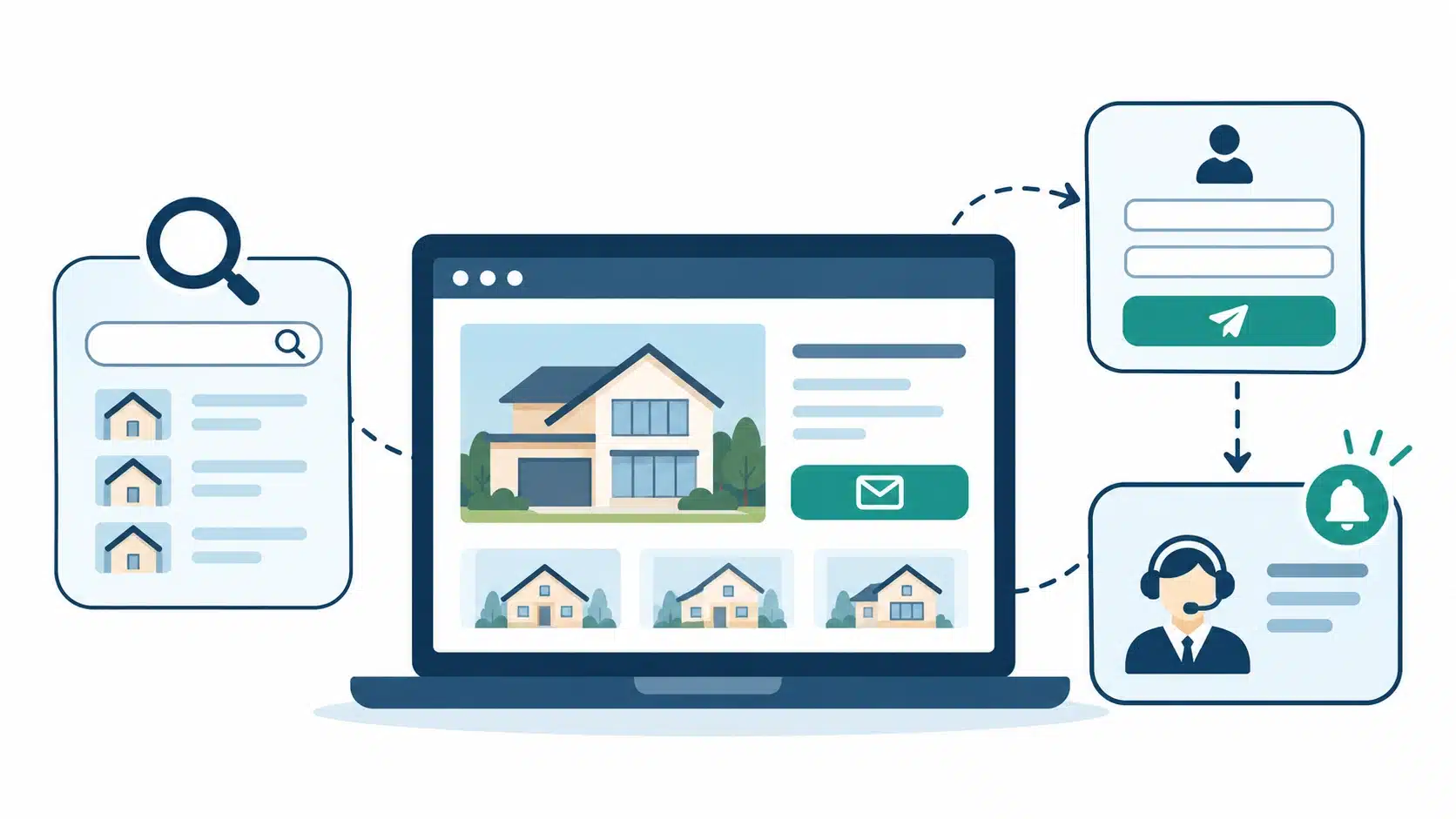
- A fast reply after an inquiry often decides which real estate agent wins the client, so connect the forms of your real estate website to a CRM that alerts you instantly.
_________________________________________________________________________________________
Buyers and sellers usually form an opinion about an agent online long before they ever make a phone call. The National Association of Realtors reports in its 2024 Profile of Home Buyers and Sellers that 88% of buyers used an agent or broker and that 90% of sellers did the same. The same report notes that finding the right property was the hardest step for even the first-time buyers who succeeded.
These numbers show that people still want a trusted professional, but they decide who that professional will be while browsing on their own. A website that only lists a few properties and a phone number leaves that decision to chance, while one designed to capture interest keeps inquiries coming even while you are showing homes.
This guide explains how to build a real estate website that does that job. You will learn how to choose the right site type, decide between a builder and custom development, set up the technical foundation, create the pages and features that convert visitors, and measure what works. The steps apply whether you want to create a real estate website for yourself, a team, or a rental business.
Which Real Estate Website Type Fits You?
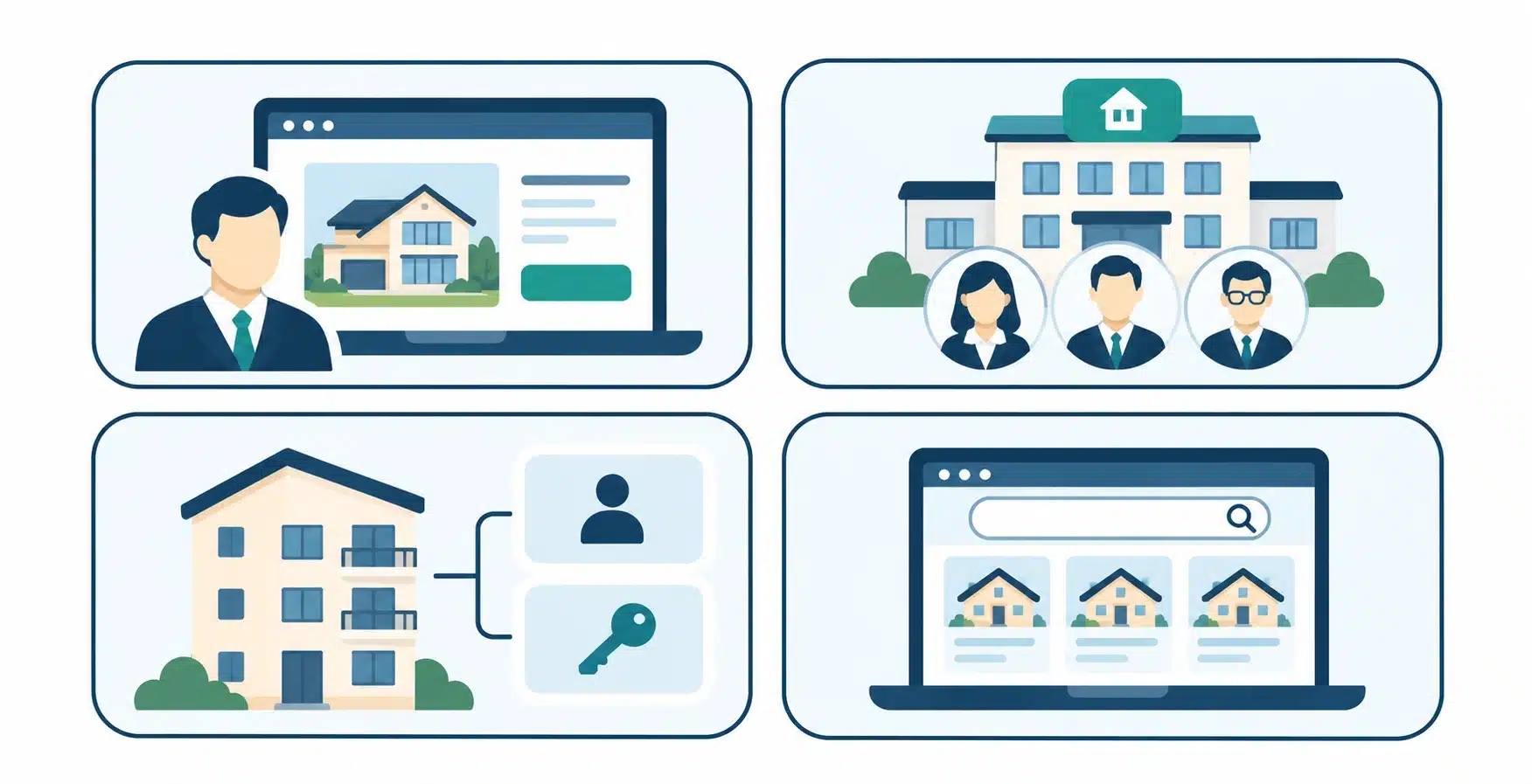
Before you start building a real estate website, decide what kind of site your business actually needs. A site built for one agent looks very different from a site built for a brokerage or a property manager, and the lead goal changes with each one.
| Website Type | Who It Serves | Main Lead Goal | Must-Have Element |
| Solo agent | Individual agents building a personal brand | Consultation and showing requests | Clear niche bio and local listings |
| Team or brokerage | Several agents working under one brand | Inquiries routed to the right agent | Agent profiles and lead routing |
| Property manager | Property owners and tenants | Rental applications and owner inquiries | Online applications and portals |
| Listing marketplace | Many sellers, landlords, and agents | Registered users and saved searches | Advanced search and user accounts |
A solo agent site should feel personal. It should state clearly who you help, such as first-time buyers, luxury sellers, or relocating families, because a narrow focus is easier to remember and easier to rank for in search. A team or brokerage site needs to show depth, so it should highlight each agent, the neighborhoods covered, and a clear way to reach the right person quickly.
A property management site serves two audiences at once, which means it needs separate paths for owners who want management services and tenants who want to apply or submit maintenance requests. A listing marketplace is the most advanced option because it behaves like software rather than a brochure site. If you are considering that route, it helps to understand the difference between a website and a web app before you set a budget.
Builder, WordPress, or Custom Development?
Once you know the type of site you need, the next decision is how to develop a real estate website. Real estate website solutions generally fall into three paths, and each suits a different stage of business. Choosing the wrong one is a common reason projects run over budget or stall.
| Build Path | Typical Cost | Typical Timeline | Best For | Main Limit |
| Website builder | About $10 to $50 per month | Days to two weeks | New agents and simple sites | Limited customization and search tools |
| WordPress with a developer | About $1,000 to $20,000 or more | Roughly two to six weeks | Agents and teams that want SEO control and IDX | Needs regular updates and maintenance |
| Custom development | Often $10,000 to $50,000 or more | Several months for complex platforms | Marketplaces and unique features | Highest cost and longest timeline |
A website builder is the fastest way to make a real estate website that looks professional. It works well when you need to launch quickly and your needs are simple. The tradeoff is that you work inside the builder’s limits, which can make advanced listing search and deep SEO control harder later.
WordPress sits in the middle. It gives you strong content and search optimization tools, a large library of real estate and IDX plugins, and room to grow. Many agents and small teams find this is the best balance of cost and control. Custom development makes sense when you need proprietary search, user accounts, or integrations that off-the-shelf tools cannot provide.
Editor’s note: If you are unsure, start with the simplest option that supports your lead goals, then upgrade when your traffic or feature needs justify it. Costs and timelines vary widely with scope, so review a detailed breakdown of website development costs and a realistic guide to how long a website takes to build before you commit.
Set Up Your Domain, Hosting, and Security
The technical foundation is easy to overlook, yet it affects trust, speed, and search visibility from the first day your site is live. These choices take only a few hours, and getting them right prevents problems later.
- A clear, local domain name: Choose a name that is short, easy to spell, and tied to your brand or market, and avoid numbers and hyphens that people mishear or mistype. Including a city or neighborhood can help visitors know they are in the right place.
- Hosting that handles traffic spikes: Open houses, new listings, and social media posts can bring sudden bursts of visitors. Reliable hosting with good uptime keeps your pages loading quickly when interest is highest.
- SSL encryption on every page: An SSL certificate protects the information visitors submit through your forms and shows a secure padlock in the browser. Visitors are far less likely to share contact details on a site that browsers flag as unsafe.
- Secure form handling: Make sure inquiry forms send data over encrypted connections and store it in a protected system. Lead information is personal, and protecting it is part of earning trust.
- Regular backups and updates: Schedule automatic backups and keep plugins updated so problems never keep your site offline for long.
Build Pages That Turn Visitors Into Leads
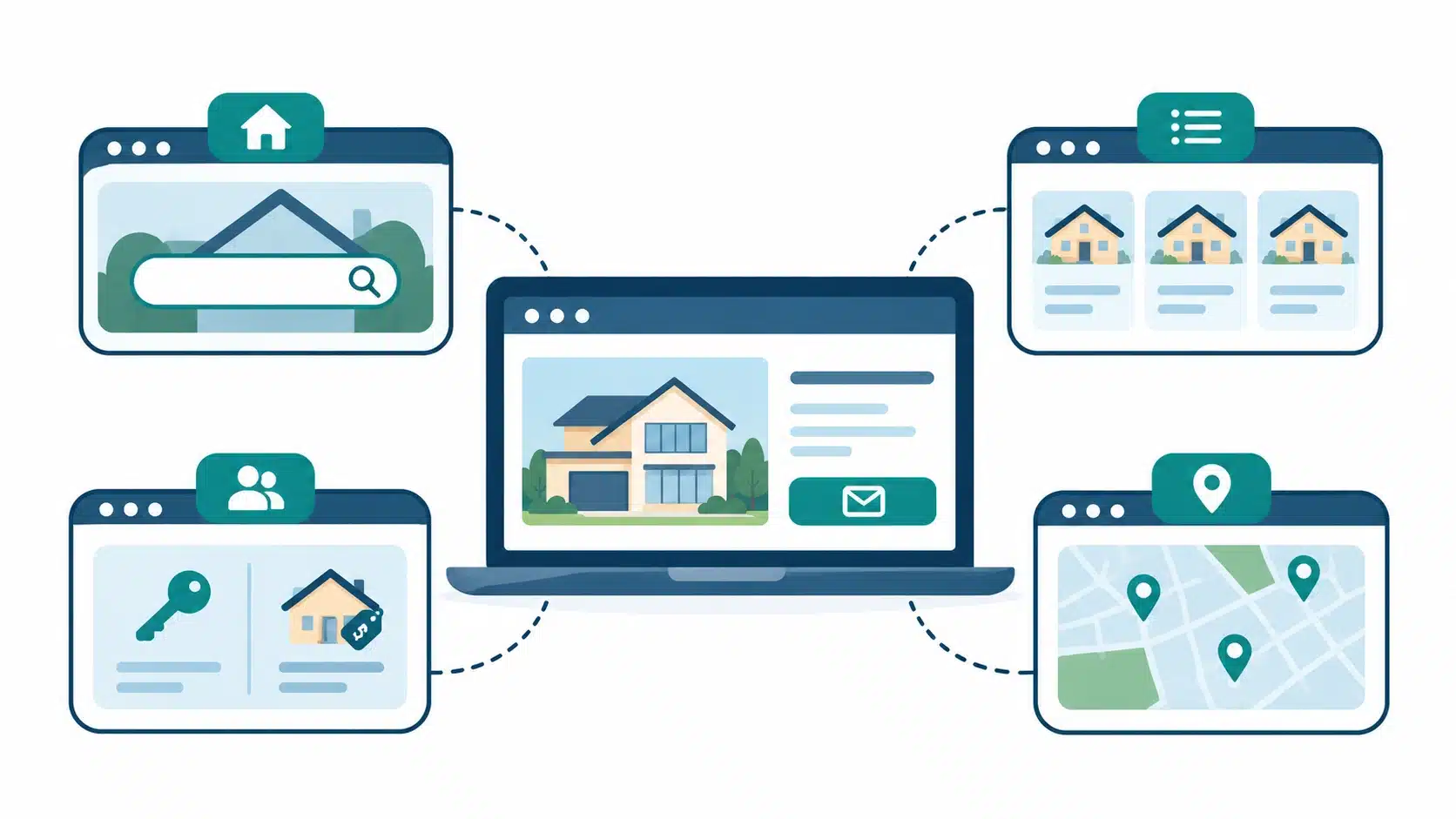
A real estate website brings in leads when each page has one clear job. Think of the site as a set of paths, where each path guides a different type of visitor toward a specific action.
- Homepage: State who you help and where, show a strong search bar or featured listings, and place one primary call to action above the fold, such as “Search Homes” or “Get a Free Home Valuation.”
- Listings pages: Display high-quality photos, key details, and a visible inquiry form on every property so interested visitors never have to hunt for a way to contact you.
- Buyer page: Explain your buying process, what working with you looks like, and what a visitor should do next. Offer a downloadable guide in exchange for an email address.
- Seller page: Highlight your marketing approach, recent sales, and a home valuation tool, since sellers want proof that you can price and market a home well.
- Neighborhood pages: Create a dedicated page for each area you serve, with local schools, amenities, market trends, and current listings. These pages attract people searching for a specific community and show genuine local expertise.
- About page: Share your experience, specialties, and client results. Visitors often read this page before they contact anyone, so it should answer the question, “Why should I work with you?”
- Contact page: Offer a short form, a phone number, and your service area, and make it available from every page through the main menu.
Every page should end with a next step, because a page that never invites an action wastes the visit. The same page-by-page thinking applies to other local service businesses, as shown in this guide to electrician website design for more leads.
Design Choices That Increase Inquiries
Design affects whether a visitor stays long enough to contact you. When creating a real estate website, the goal is not decoration. The goal is to make browsing easy, build trust quickly, and keep the path to your contact form short.
Make Mobile and Page Speed the Priority
Many buyers browse listings on their phones, often while commuting or standing in a neighborhood they are considering. Your site should resize cleanly on every screen, with buttons that are easy to tap and forms that are simple to complete on a small display.
Speed matters just as much. Large, uncompressed photos are the most common reason real estate pages load slowly, so compress images and avoid heavy scripts that are not essential.
Show Trust Signals Where Decisions Happen
Visitors are considering one of the largest financial decisions of their lives, so they look for proof that you are credible. Place that proof close to the moments when people decide whether to reach out.
- Client testimonials: Place a few short reviews near your contact forms and valuation tools.
- Sold listings and results: Show recent transactions so visitors can see your track record.
- Professional photography: Use sharp, well-lit images, since photos are the first thing people judge.
- Credentials and awards: Display your license information, designations, and local recognition.
- Clear contact details: Show your name, photo, phone number, and brokerage so visitors know a real person will respond.
Add Features That Capture and Convert Leads
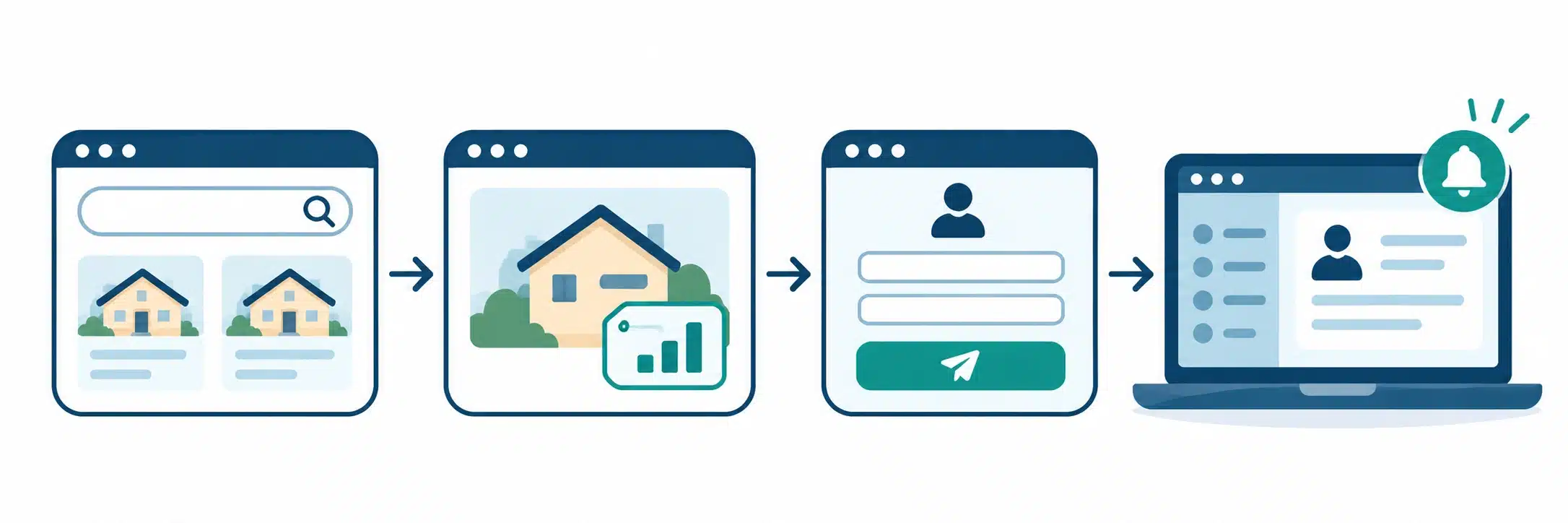
Features are what turn a good-looking site into a lead generation tool. The most effective ones help visitors find what they want and ask for help at the right moment.
| Feature | What It Captures | When to Add It |
| IDX property search | Search behavior and registered users | At launch, if your MLS allows it |
| Home valuation tool | Seller contact details and property address | At launch for seller leads |
| Mortgage calculator | Buyer budget and affordability interest | After core pages are live |
| Live chat or chatbot | Quick questions and after-hours inquiries | Once you can respond reliably |
| Downloadable guides | Email addresses for nurture campaigns | Once you have helpful content |
Use IDX So Listings Stay Current
IDX, short for internet data exchange, connects your website to your local MLS so that current listings appear on your site automatically. This keeps your information accurate without manual updates and gives visitors a reason to search on your site instead of a national portal.
IDX also gives you data. When visitors search and save listings, you learn which neighborhoods and price ranges interest them, and you can use that information to follow up with relevant messages. Rules about how listings may be displayed differ by MLS, so confirm your local requirements before you set it up.
Place Lead Forms Where Intent Is Highest
A lead form works best when it appears at a moment of interest. A single contact page is not enough. Add short inquiry forms beside each listing, a valuation form on your seller page, and a registration prompt after a visitor has viewed several properties.
Keep forms short. Name, email, and phone are enough for most situations, and every extra field reduces the number of people who finish. You can ask additional questions later, once you have started a conversation.
Connect a CRM and Follow Up Fast
A customer relationship management system, or CRM, stores every lead, records where it came from, and sends you an alert the moment someone submits a form. This matters more than most agents realize. A Harvard Business Review study of 2,241 companies found that only 37% responded to a web inquiry within an hour, and that firms who reached out within that first hour were nearly seven times more likely to qualify the lead than those who waited even one hour longer.
In real estate, the agent who responds first often wins the relationship. Set up instant email and text alerts, create an automatic confirmation message for the visitor, and commit to a personal reply within minutes during business hours.
Attract Buyers With Local Content and SEO
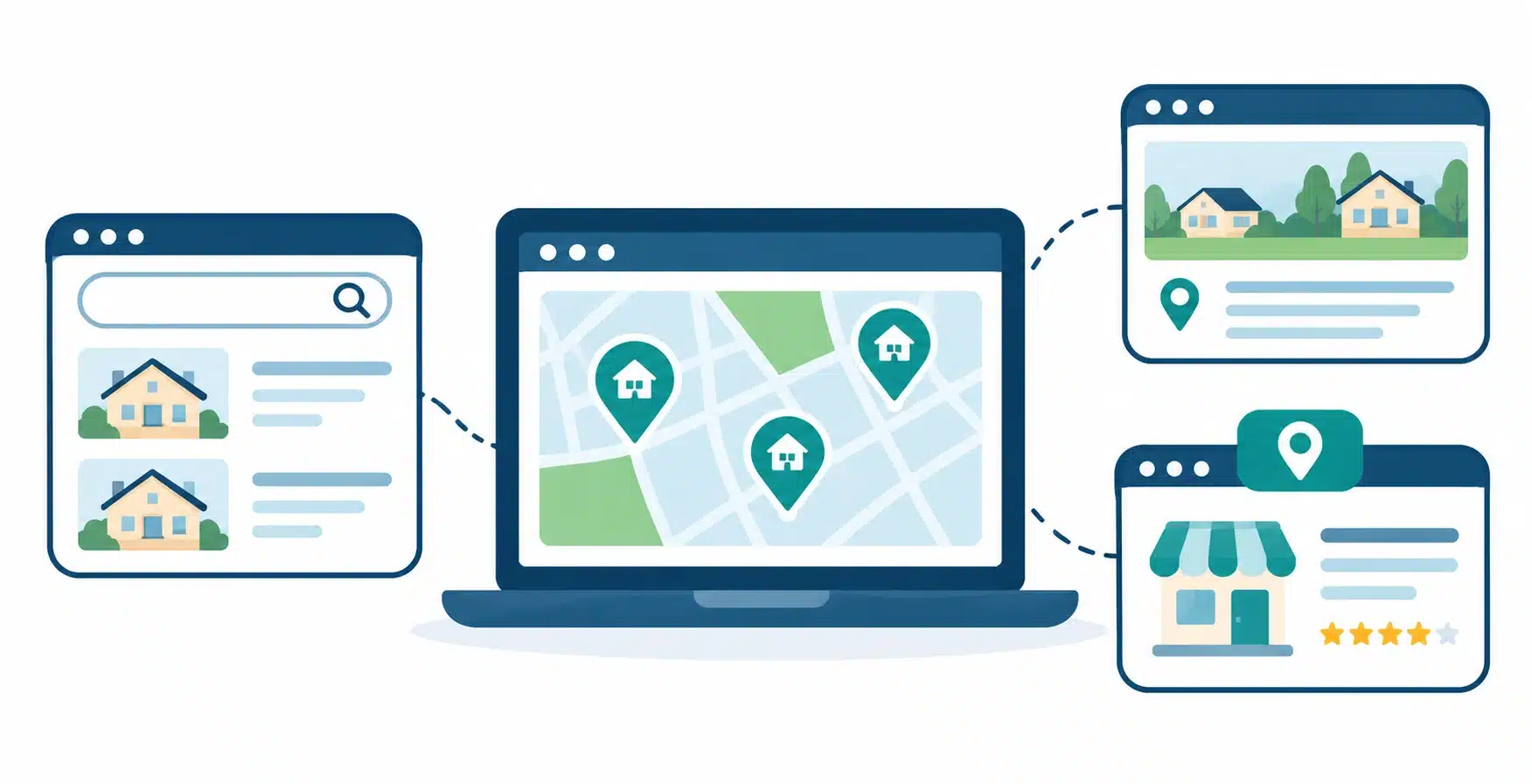
A beautiful site that nobody finds will not produce leads. Search engine optimization brings in people who are already looking for homes or agents in your area, and these visitors are often the most ready to act.
- Neighborhood and city pages: Write helpful pages for the areas you serve, using the phrases people actually search, such as “homes for sale in” followed by a neighborhood name. Include local details that a national portal cannot match.
- A blog built on real client questions: Answer the questions you hear in consultations, such as how much it costs to move to a certain area, how to prepare a home for sale, or what the buying process looks like. Each answer is a chance to reach someone searching for it.
- Optimized page titles and descriptions: Write a clear title and meta description for each page that includes the location and the type of service, so searchers understand what they will find before they click.
- A complete Google Business Profile: Claim your profile, add accurate service areas and photos, and ask satisfied clients for reviews. This helps you appear in local map results.
- Structured data on key pages: Schema markup helps search engines and AI search tools understand your business details and listings, which can improve how your pages appear in results.
- Fast, mobile-friendly pages: Speed and mobile usability support better rankings and a better experience, which means more visitors reach your forms.
Stay Compliant With Fair Housing and Privacy
Real estate websites carry legal responsibilities that many other business sites do not. Planning for them early is easier and cheaper than correcting problems after launch.
Fair Housing rules apply to advertising, which means your descriptions, neighborhood pages, and images should never suggest a preference or limitation based on protected characteristics. Describe properties and amenities factually instead of describing the kind of person who should live there.
Accessibility is both a legal consideration and a conversion advantage. The Web Content Accessibility Guidelines are the most widely used standard, and following them, with good color contrast, alt text for images, and keyboard-friendly navigation, makes your site easier for everyone to use. Privacy matters as well. Publish a clear privacy policy, explain how you use the information collected through forms, and obtain consent before you send automated texts or marketing messages.
Real Estate Website Mistakes and How to Fix Them
Even well-designed sites can fail to produce leads because of a few common problems. Each one has a practical fix.
- Challenge – No clear call to action. Visitors browse several pages and leave because nothing tells them what to do next.
Fix – Place one primary action on every page, such as “Schedule a Showing” or “Get Your Home Value,” and repeat it in the header and near the end of the page. - Challenge – Slow, image-heavy pages. Large photos make listings load slowly, especially on phones, and visitors leave before they see the property.
Fix – Compress images, use modern formats, enable caching, and test your key pages on a mobile connection regularly. - Challenge – Forms that ask for too much. Long forms discourage visitors who are still deciding whether to contact you.
Fix – Start with name, email, and phone, then collect more details during your first conversation. - Challenge – A generic site that looks like everyone else’s. Visitors cannot tell why they should choose you over another agent.
Fix – Focus on a niche or neighborhood, share real results and local knowledge, and use your own photos and voice. - Challenge – No follow-up system. Leads arrive but sit unanswered in an inbox, and interest fades quickly.
Fix – Connect your forms to a CRM, enable instant alerts, and set a personal rule for how fast you respond.
Measure Which Pages Produce Leads

After launch, the real work is learning what your visitors do. You do not need complicated analytics to get started. A few simple measurements will show where leads come from and where visitors drop off.
| Metric | What It Tells You | Where to Track It |
| Form conversion rate | How many visitors submit an inquiry | Analytics and your form tool |
| Lead source | Whether leads come from search, social, ads, or referrals | Analytics and your CRM |
| Top landing pages | Which pages attract and convert visitors | Analytics |
| Time to first reply | How quickly you respond to new leads | Your CRM |
| Listing and search activity | Which areas and prices interest visitors | Your IDX tool |
Review these numbers monthly. If many people visit a page but few submit a form, improve its call to action or shorten the form. If one neighborhood page brings steady traffic, add more local content around it.
Final Thoughts
Real estate website building is not about creating an online brochure. A strong site is a long-term asset that works every hour of the day, introducing you to people at the moment they start thinking about a move. The agents and brokerages that benefit most are the ones that treat the site as a system, where every page, form, and follow-up step has a purpose.
Start with a clear goal and the simplest build path that supports it. Add the pages and features that help visitors take their next step, protect the site with sound compliance practices, and review your results regularly so the site improves over time. If you would rather have an experienced team build a real estate web site around your lead goals, you can explore the web design and development services at Simpalm to see how a custom build could fit your business.
Frequently Asked Questions
Q1. How much does it cost to build a real estate website?
Ans. The cost depends on the build path and the features you need. A website builder can start at roughly $10 to $50 per month, while a WordPress site built by a developer commonly ranges from about $1,000 to $20,000 or more. Custom platforms with advanced search, user accounts, and integrations can cost considerably more. Budget for recurring costs such as hosting, domain renewal, IDX fees, and a CRM as well.
Q2. How do I make a real estate website without coding skills?
Ans. You can use a drag-and-drop website builder with real estate templates, which lets you add pages, listings, and forms without writing code. Focus first on clear listings, a visible contact form, and a simple valuation or search tool. If you want more advanced search or tighter SEO control, hiring a developer to build on WordPress is a practical next step, and you can still manage your own content afterward.
Q3. Do I need IDX to build a real estate website that generates leads?
Ans. IDX is not required, but it is very useful when you want visitors to search current listings on your own site. Many agents succeed with curated featured listings and strong local content, especially when starting out. If you add IDX, check your MLS rules first, since each MLS has its own requirements for how listings are displayed and who may use the feed.
Q4. How long does it take to create a real estate website?
Ans. A simple site built on a template can launch in a few days to a couple of weeks. A custom WordPress site with IDX, neighborhood pages, and lead forms often takes several weeks. A marketplace or a platform with user accounts and custom features can take many months. Having your photos, copy, and branding ready before development begins shortens the timeline.
Q5. How do I create a real estate website that ranks locally?
Ans. Build dedicated pages for each neighborhood and city you serve, and write them with useful local detail instead of generic text. Use clear titles and descriptions that include the location and service, keep your Google Business Profile complete and active, and collect reviews from past clients. Publishing helpful articles that answer common buyer and seller questions will strengthen your authority over time.
Q6. Should I use a website builder or hire a developer?
Ans. A builder is a good choice when you want to launch quickly on a modest budget and your needs are simple. A developer is the better choice when you need advanced search, tighter SEO control, custom integrations, or a design that sets you apart in a crowded market. Many businesses start with a builder and upgrade as they grow.