
 Design
 App Development
 Web Engineering
 AI Services
 Cloud
Cloud Staffing
 Startups
 Health / Fitness
 Education
 Social
 Nonprofit
 Fintech
 Construction
 Logistics
 Government
 Travel/Hospitality
 HR Software
 About Simpalm
 Our News
 Client Testimonials
 Careers
 Our Blog
 Awards
 Resources
 Information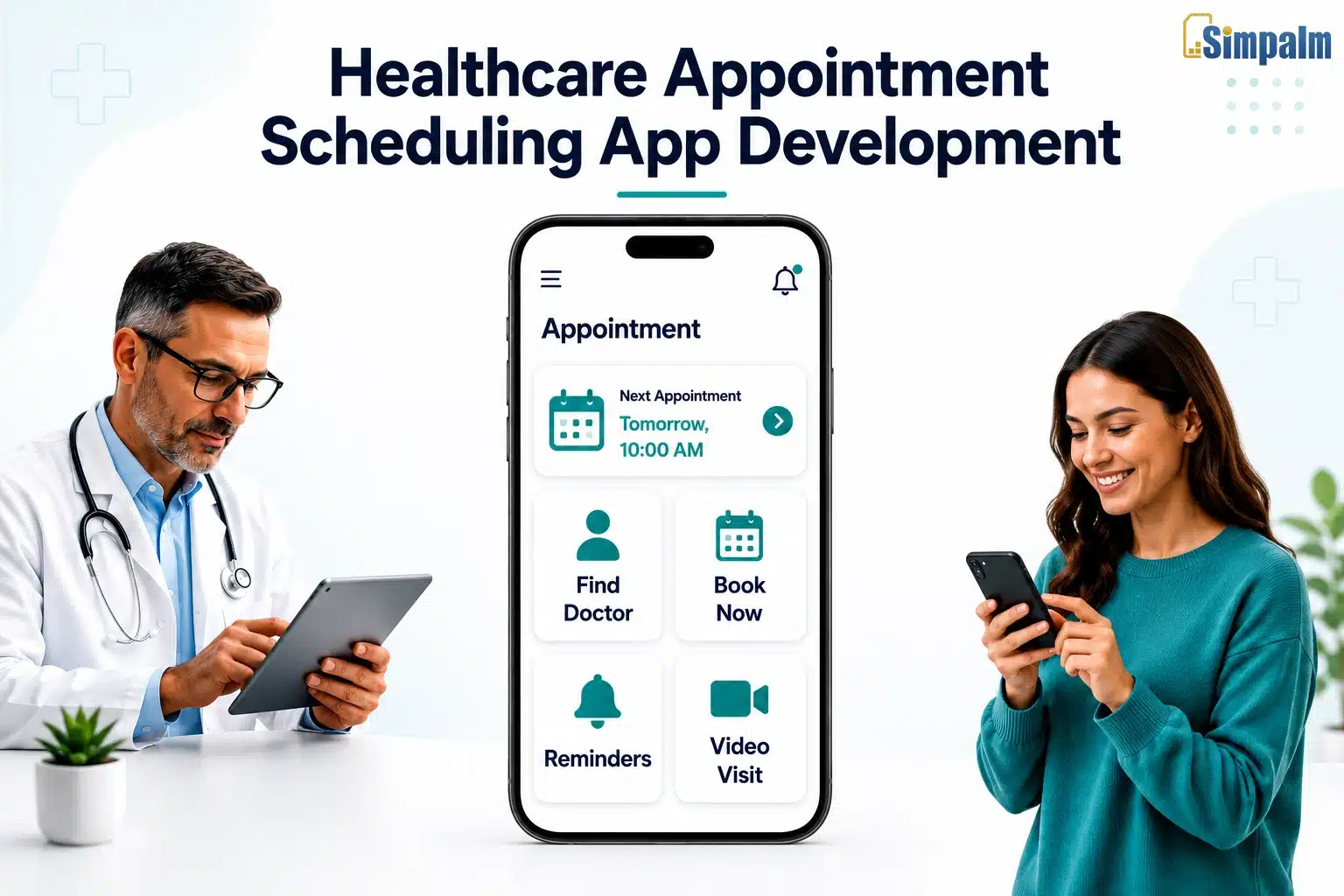
Key Takeaways
- The global healthcare appointment scheduling software market is projected to reach $1.04 billion by 2030, growing at a CAGR of 12.8%, making this one of the most commercially attractive niches in health tech right now.
- A well-built scheduling app serves three distinct user groups simultaneously: patients, providers, and admins. Each group has its own feature requirements and workflow logic that must be planned independently.
- HIPAA compliance is not a post-launch checklist item. It must be baked into the architecture from day one. Retrofitting compliance costs 3x to 5x more than building it right the first time.
- The most successful healthcare scheduling apps are specialty-specific, serving mental health practices, dental clinics, or physical therapy centers, rather than competing with Zocdoc or athenahealth from day one.
________________________________________________________________________________________
The average wait time for a new patient appointment with a U.S. primary care physician is nearly 26 days. Yet roughly 27% of those patients never show up. The financial cost of no-shows to the U.S. healthcare system is estimated at $150 billion annually.
Most of this is preventable. Not through more staff or larger waiting rooms, but through better software. Healthcare appointment scheduling apps reduce no-shows through automated reminders, cut front-desk call volume by 40% to 60%, and give patients the self-service booking experience they now expect after years of booking flights and restaurants from their phones.
This guide covers everything a founder, product manager, or healthcare operator needs to know before building one: market opportunity, feature planning, compliance requirements, tech stack, cost breakdowns, and the most common mistakes that derail projects before they go live.
What is a Healthcare Appointment Scheduling App?
A healthcare appointment scheduling app is a digital platform that lets patients find, book, reschedule, and cancel appointments with healthcare providers, while giving providers and staff the tools to manage availability, reduce scheduling conflicts, send automated reminders, and sync appointment data with their clinical and billing systems.
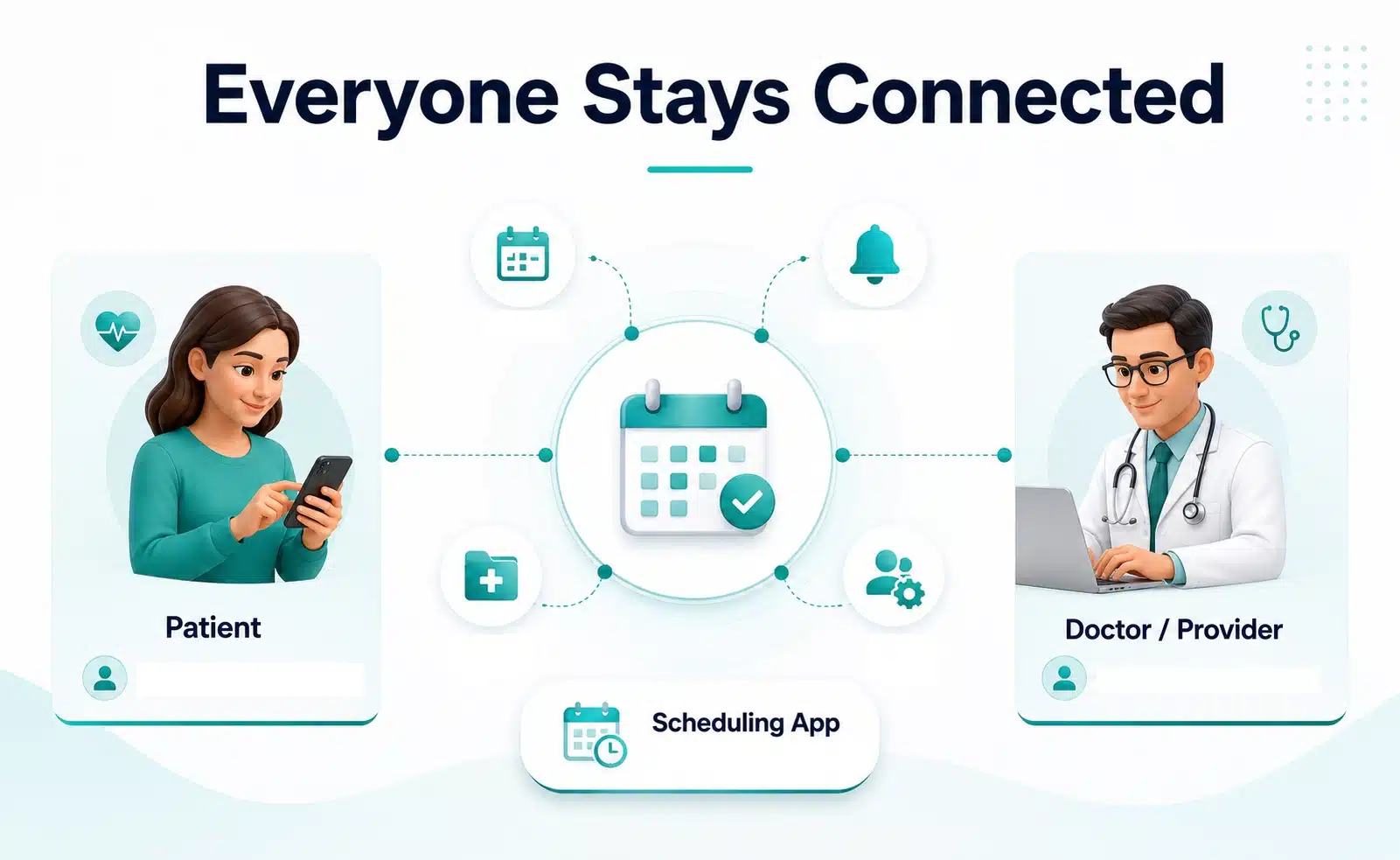
It is worth separating this from the two adjacent categories. A patient portal is primarily a record-access tool. A telemedicine platform is built around the video visit itself. A scheduling app is built around the booking workflow from the ground up, serving three roles simultaneously:
- Patients get 24/7 self-service booking, digital intake forms, automated reminders, and visit history.
- Providers and staff get a real-time appointment calendar, no-show tracking, and EHR integration.
- Platform admins get user management, compliance audit logs, and system-wide analytics.
Treating these as one undifferentiated user base is one of the most common and costly mistakes in early-stage development.
Why Now? The Market Opportunity Behind Healthcare Appointment Scheduling Apps
Market Size and Growth Projections
The global healthcare appointment scheduling software market was valued at $456 million in 2022 and is on track to reach $1.04 billion by 2030, growing at a CAGR of 12.8%. The U.S. drives the largest share of that demand. No-show rates average 27% nationally, costing the system $150 billion per year. Meanwhile, 68% of patients say they prefer providers who offer online booking, and practices that go digital report a 40% to 60% reduction in front-desk call volume within the first year.
Key Drivers Pushing Healthcare Toward Digital Scheduling
- Patient behavior has already shifted: According to Accenture, 68% of patients say they are more likely to choose a provider that offers online booking. Healthcare is the last major consumer industry still relying primarily on phone-based scheduling, and that gap is a massive commercial opportunity.
- Front-desk labor costs are rising: The average practice spends $12 to $18 per appointment handled manually. A digital scheduling system reduces that to under $3 for routine bookings. For a practice seeing 1,500 patients per month, that is a savings of over $200,000 per year.
- EHR systems are increasingly open: Widespread adoption of FHIR standards has made it significantly easier to connect scheduling apps with major EHR platforms like Epic, Cerner, and athenahealth, making purpose-built scheduling tools far more commercially viable than they were five years ago.
Types of Healthcare Appointment Scheduling Apps
The main categories include patient-facing booking apps for independent practices, provider and clinic management platforms for multi-provider groups, enterprise hospital scheduling systems for large health networks, specialty-specific apps for niches like mental health or dental, telehealth-integrated platforms, marketplace and directory apps, and white-label platforms for agencies serving multiple clinic clients.
Specialty-specific apps are where the best market opportunities exist for new entrants in 2026. A scheduling app built specifically for mental health practices can include recurring appointment series, crisis cancellation protocols, and out-of-pocket payment workflows that no general platform offers. This depth of specialty fit is very difficult for horizontal platforms to replicate.
Enterprise hospital scheduling systems are the most technically complex category, requiring EHR integration, thousands of concurrent users, multi-specialty scheduling rules, and strict HIPAA compliance. These are typically built by large teams over 12 to 24 months and are not a realistic entry point for early-stage builders.
Must-Have Features of a Healthcare Scheduling App
Patient Panel Features
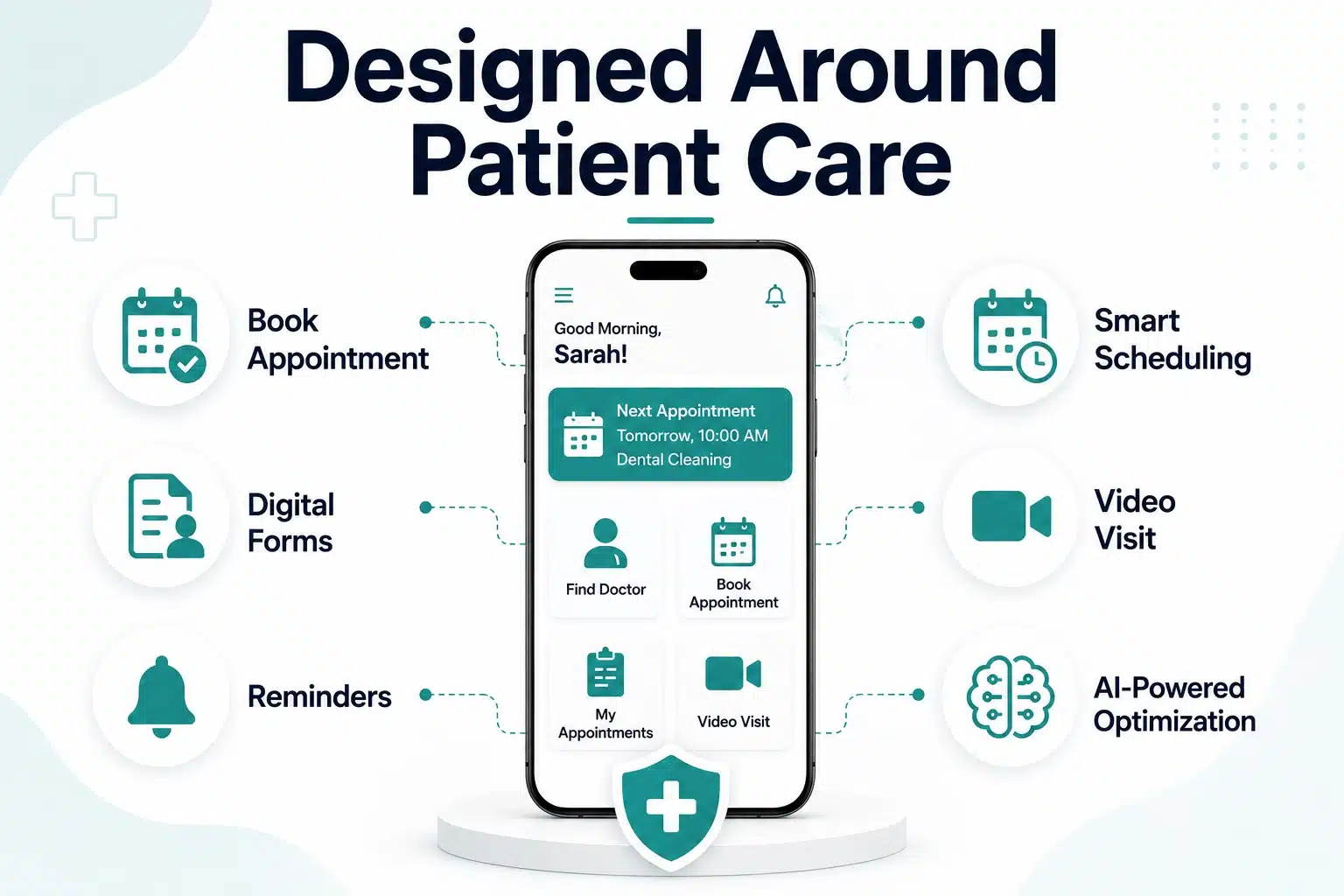
Self-Service Appointment Booking: Patients should be able to search by specialty, location, insurance, and availability, then book a confirmed appointment in under three minutes on a mobile device. Every additional required field or mandatory account creation step costs adoption.
Example: A patient finds a dermatologist accepting their insurance within 10 miles, sees real-time availability, selects a Tuesday slot, and gets a confirmation text in about 90 seconds with no phone call needed.
Digital Intake Forms: Sending intake forms as part of the booking confirmation, rather than paper forms at the front desk, reduces appointment delays and improves clinical data quality. Forms should support conditional logic so patients only see fields relevant to their visit type.
Automated Reminders and Rescheduling: A multi-touch reminder sequence (48-hour, 24-hour, and 2-hour) with a one-tap rescheduling link is the single highest-ROI feature in any scheduling app. Practices that deploy this see no-show rates drop by 25% to 40% within the first 90 days.
Doctor and Provider Panel Features
- Real-Time Availability Calendar: Providers need a calendar that reflects actual availability, accounting for appointment types, duration buffers, and blocked time. Double-bookings should be impossible by design, not just unlikely.
- No-Show and Cancellation Tracking: A dashboard that surfaces no-show rates, cancellation patterns, and average cancellation lead times gives practice managers the data they need to adjust scheduling policies and overbooking buffers intelligently.
- Revenue and Utilization Reporting: Scheduled vs. completed vs. no-show appointment data broken down by provider, appointment type, and insurance class gives administrators actionable input for capacity planning and revenue forecasting.
Admin Panel Features
User and Provider Management: Admins need to add, edit, and deactivate accounts and configure role-based permissions without requiring developer involvement.
Compliance Audit Logs: Every access to protected health information must be logged with a timestamp, user ID, and action type. These logs are a core HIPAA requirement and must be tamper-evident and exportable for compliance reviews.
Advanced and AI-Powered Features
The most impactful advanced features include AI-powered scheduling optimization that fills gaps and reduces provider idle time, smart waitlist management that fills cancellations automatically, telehealth video visit integration, predictive no-show scoring that targets high-risk patients with extra reminders, and real-time insurance eligibility verification at the point of booking.
Smart waitlist management automatically fills cancelled slots with waitlisted patients matching by appointment type and proximity. This feature alone can recover 6 to 10 revenue-generating appointments per provider per week that would otherwise go unfilled.
Who Are the Key Stakeholders in Development?
This is a section most development guides skip entirely. Getting the product right requires understanding not just who uses the app, but who influences the purchasing decision and who can block adoption.
- Patients and Caregivers: Patients are the end users but rarely the buyers. A significant portion of bookings are made by caregivers managing appointments for elderly parents or children. The UX must accommodate proxy booking with clear data privacy controls.
- Healthcare Providers and Clinicians: If physicians find the scheduling interface adds time to their workflow, they will route around it or request to return to the old system. Providers should be involved in UX testing as early as the wireframe stage.
- Hospital IT and Admin Teams: In enterprise deployments, IT controls the procurement decision. They will evaluate HIPAA compliance, EHR integration capabilities, uptime SLAs, and data residency policies before any clinical staff sees a demo.
- Third-Party Integrators: EHR vendors, insurance clearinghouses, and billing platforms all have APIs that the scheduling app will need to connect with. Building relationships with these integrators early and understanding their sandbox environments saves significant development time.
Healthcare App Development Process: Step by Step
- Discovery and Requirements Gathering: Conduct structured discovery sessions with each stakeholder group. This phase produces a Market Requirements Document, a detailed feature specification, and a compliance requirements checklist that maps HIPAA requirements to specific system components.
- UI/UX Design for Healthcare Users: Font sizes must be accessible for older patients. Form flows must minimize cognitive load. Testing designs with real patients and providers before writing a single line of code prevents the most expensive type of rework.
- Frontend and Backend Development: Build in parallel with clear API contracts established early. The backend must be designed for HIPAA compliance from the start, with encryption, role-based access controls, and audit logging built into the core infrastructure.
- EHR and Third-Party Integrations: This is consistently the most time-consuming phase. Connecting to Epic, Cerner, or athenahealth through FHIR APIs requires sandbox access, extensive testing, and often formal vendor partnership agreements. Plan for this phase to take 4 to 8 weeks longer than your initial estimate.
- QA, Testing, and HIPAA Compliance Audit: Beyond functional testing, healthcare apps require a formal HIPAA compliance audit before launch. This includes penetration testing, BAA validation with all vendors handling PHI, and access control testing.
- Deployment and App Store Submission: Healthcare apps face additional scrutiny during App Store and Google Play review. Prepare detailed compliance documentation and account for a review window of 5 to 10 business days.
Compliance and Security: HIPAA, GDPR, and Beyond
HIPAA Requirements for Scheduling Apps
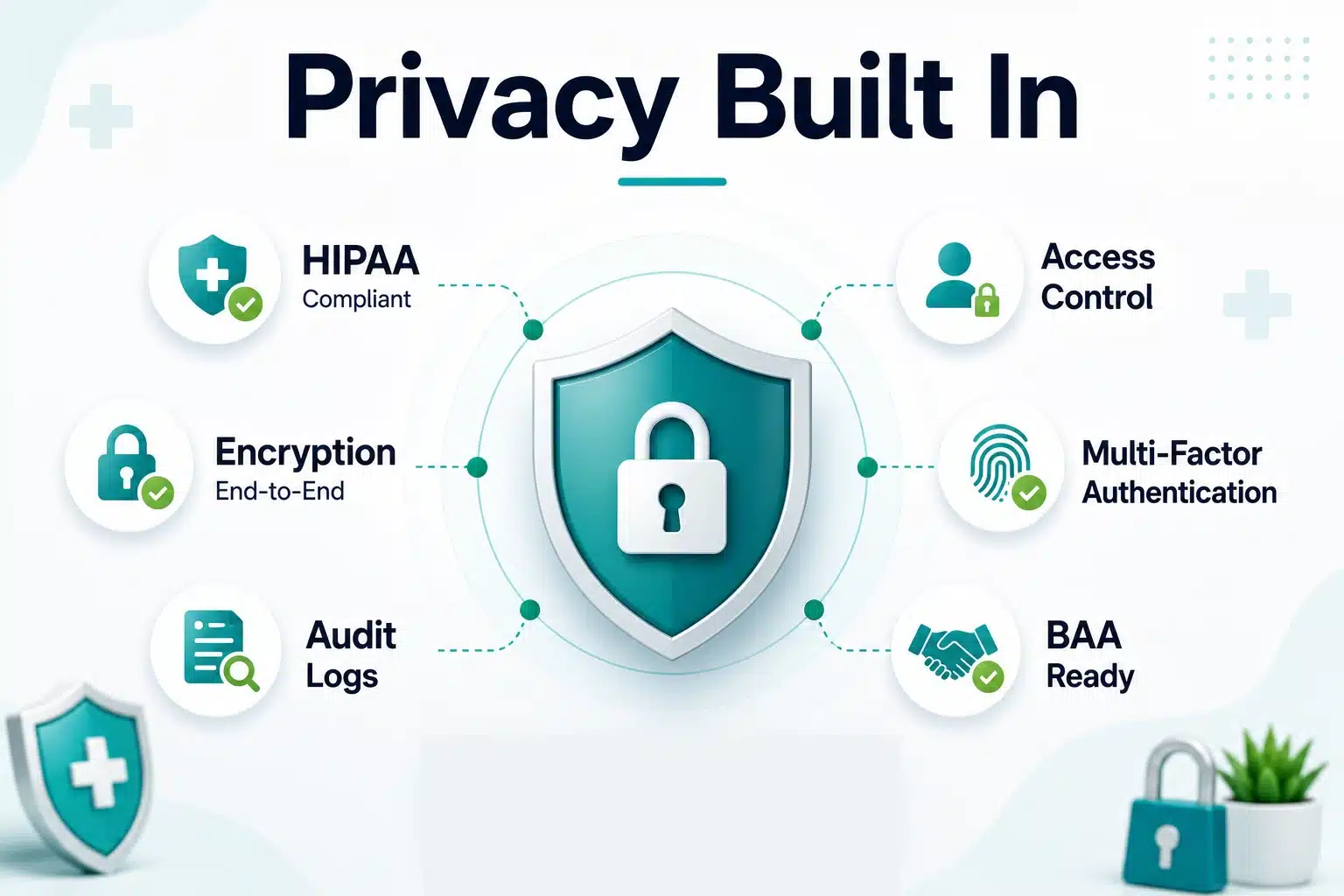
Any app that stores, transmits, or processes Protected Health Information (PHI) is subject to HIPAA. The key requirements that directly affect scheduling app architecture:
| HIPAA Requirement | What It Means | Why It Matters |
| Encryption at rest and in transit | AES-256 for stored data, TLS 1.2+ for all transmissions | Protects PHI from breaches and interception |
| Role-based access controls | Users only access the data their role requires | Prevents internal misuse and limits breach exposure |
| Audit logs | Every PHI access is logged with the user, timestamp, and action | Required for compliance reviews and breach investigation |
| Business Associate Agreements | Mandatory for every vendor who handles PHI | Makes vendors legally accountable for the data they process |
| Breach notification | 60-day notice required for breaches affecting 500+ patients | Legal obligation with significant financial penalties |
The most common compliance mistake is choosing third-party vendors without verifying that they will sign a BAA. If a vendor will not sign a BAA, you cannot send PHI to their systems. This rules out standard analytics tools like Google Analytics and requires healthcare-specific alternatives.
GDPR and Regional Laws
For platforms serving European patients, GDPR adds explicit consent requirements, the right to data deletion, and strict rules around cross-border data transfers. California’s CCPA adds similar requirements at the state level.
Practical Security Requirements
- AES-256 encryption at rest, TLS 1.3 in transit.
- Tamper-evident audit logs are stored separately from the application database.
- Multi-factor authentication for all provider and admin accounts.
- Automatic session timeout after inactivity.
- Annual penetration testing at a minimum.
Tech Stack for Healthcare Appointment Scheduling Apps
A well-proven stack uses React Native or Flutter for cross-platform mobile, Next.js for the web frontend and public booking pages, and Node.js or Django for backend API and business logic. PostgreSQL handles transactional data, Redis manages session caching and availability locking, and AWS HIPAA-eligible services cover cloud infrastructure with BAA support. For notifications, Twilio handles SMS reminders, and Firebase Cloud Messaging covers push. EHR integration runs through HL7 FHIR APIs, often with a middleware layer like Redox to normalize connectivity across multiple vendors.
Important: Not all AWS services are covered under AWS’s HIPAA eligibility program. Verify that every specific service you use (RDS, S3, Lambda) is on AWS’s current list of HIPAA-eligible services before storing PHI.
Common Challenges and How to Avoid Them
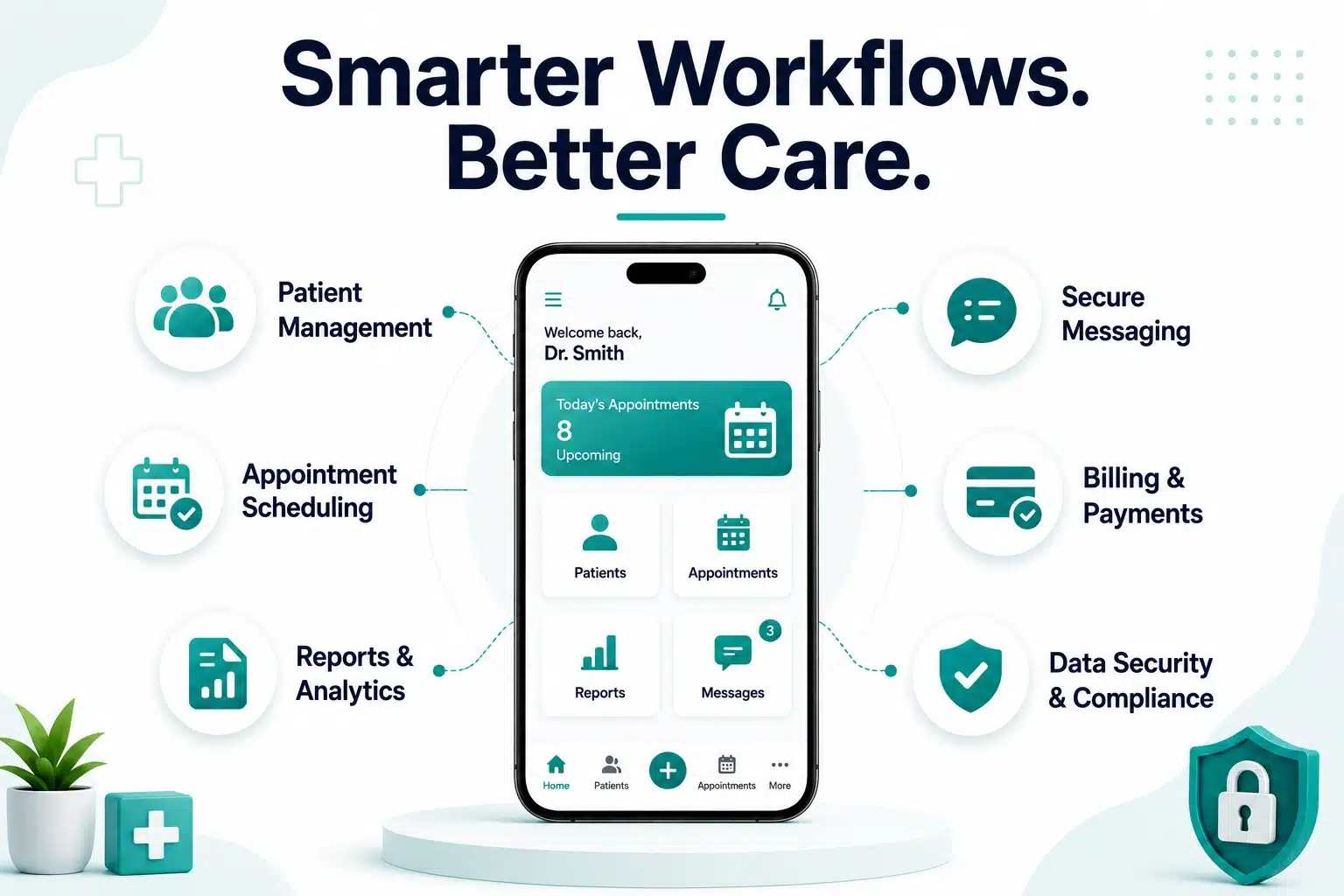
- EHR Integration Complexity: Legacy EHR systems were not designed for open integration. Even with FHIR APIs, implementation quality varies enormously between vendors. Budget 4 to 8 weeks specifically for EHR integration testing and use middleware platforms like Redox to normalize connectivity across multiple vendors rather than building point-to-point integrations.
- Low Patient Adoption Rates: Many patients, particularly those over 60, default to phone booking out of habit. Guest booking without requiring account creation typically increases new patient digital adoption by 35% to 50%. Supplement with SMS-based booking links sent directly to patients who prefer text.
- Scheduling Conflicts and Calendar Sync: When provider availability is maintained across multiple systems, conflicts become almost inevitable. Designate the scheduling app as the single source of truth and use Redis-based availability locks to prevent race conditions when multiple patients attempt to book the same slot simultaneously.
- Regulatory Surprises During Development: Discovering a compliance issue late is expensive. Complete a full vendor compliance audit before writing any code. For every third-party service in your planned stack, verify HIPAA compliance and BAA availability before committing.
Healthcare Appointment App Development Cost Breakdown
Cost by App Type and Complexity
| App Tier | Estimated Cost | Timeline |
| Basic MVP (core booking, 2 user roles) | $15,000 to $30,000 | 2 to 4 months |
| Mid-Level App (iOS + Android + web, EHR integration) | $40,000 to $80,000 | 4 to 7 months |
| Enterprise Platform (AI, multi-location, white-label) | $80,000 to $200,000+ | 7 to 14 months |
Team composition is as important as feature scope. An in-house team runs $120,000 to $300,000 per year in salaries and is best suited for companies building a long-term product. Outsourcing to an agency costs $15,000 to $150,000 as a project fee and is the most common path for startups and first-time builders. A hybrid model, combining in-house product leadership with an outsourced development team, typically runs $40,000 to $100,000 and offers a practical balance of cost and control.
Development Timeline: What to Realistically Expect
A focused MVP can be built and launched in 10 to 16 weeks with an experienced team, assuming a single specialty, no EHR integration, and a web-first approach. A full-featured multi-platform app with EHR integration and telehealth support realistically takes 6 to 12 months, with the EHR integration phase alone consuming 6 to 10 weeks.
The most common delay factors are EHR integration complexity (adds 4 to 8 weeks), late-stage HIPAA audit findings (adds 2 to 4 weeks), App Store rejection in the medical category (adds 1 to 2 weeks), and scope creep that was never locked down in writing before development started. Planning for each of these explicitly in your project timeline is the single best way to avoid them.
Build vs. Buy: Custom Development vs. Off-the-Shelf Solutions
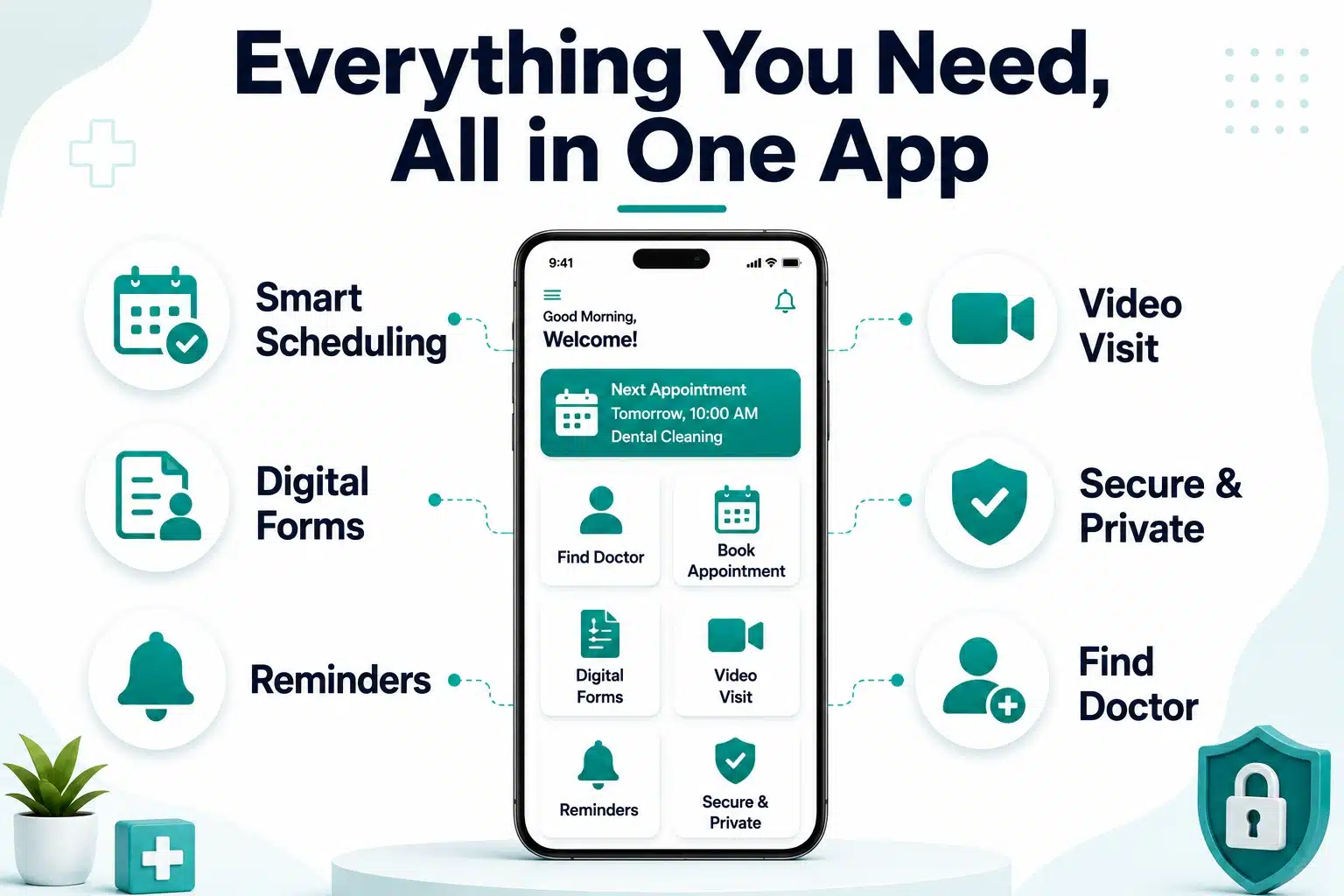
When to Choose Custom Development
Custom development makes the most sense when you are building a product to sell to clinics or health systems, have specialty-specific requirements that off-the-shelf tools cannot accommodate, need full data ownership, or require deep EHR integration, regardless of which scheduling tool you choose.
When Off-the-Shelf Makes Sense
A commercial platform like Zocdoc, Acuity, or SimplePractice is the right call when you need to solve your own clinic’s scheduling problem with standard requirements and a limited development budget. If you are in an early validation phase and want to test demand before committing to a custom build, starting with an existing tool is a defensible strategy.
White-Label as a Middle Ground
White-label healthcare scheduling platforms provide a customizable, compliant infrastructure that can be rebranded for individual clients. For agencies serving multiple clinic clients, this can cut time to market by 60% to 70% compared to fully custom development.
Monetization Strategies for Scheduling Apps
The main monetization models are a per-provider SaaS subscription (monthly or annual fee, best for B2B clinic tools), a pay-per-booking transaction fee (small charge per confirmed appointment, best for marketplaces), a freemium model (free for small practices, paid for advanced features), an enterprise annual license for health systems, and white-label licensing for agencies serving multiple clients.
The most durable structure for a new platform is a per-provider SaaS subscription with a freemium entry point for single-provider practices under 100 appointments per month. This drives organic growth from free users while generating predictable recurring revenue from the most engaged practices and creates a natural upsell pathway as practices grow.
ROI and Business Case for Healthcare Providers
Healthcare providers are sophisticated buyers. A compelling pitch addresses their financial reality directly.
A mid-sized primary care practice seeing 1,200 patients per month with a 27% no-show rate loses roughly 324 appointments per month. At $180 average revenue per visit, that is $58,320 in monthly revenue risk. Automated reminders with one-tap rescheduling consistently reduce no-show rates by 25% to 40%, recovering approximately $17,500 in monthly revenue at a 30% reduction rate.
Digital scheduling also reduces front desk call volume by 40% to 60%, freeing staff for higher-value patient interactions. Extended booking hours capture patients who try to book at 10 PM on a Sunday and never call back. And since 68% of patients say online booking influences their provider choice, practices without it are systematically losing new patients to competitors who offer it.
Post-Launch: Scaling, Maintenance, and Growth
Launching the app is the beginning, not the end. Set up real-time monitoring before your first patient books. Track booking flow drop-off points, reminder delivery rates, and EHR sync error rates. A short three-question in-app survey triggered 48 hours after a completed appointment gives you prioritized, actionable input faster than any analytics tool. In the first six months, ship improvements are made every two to three weeks based on this data.
For platforms scaling to multi-location health systems, the key additions are a centralized admin dashboard with location-level drill-down, role-based access control with location-specific scopes, system-wide analytics, and SSO integration. These architectural decisions are far cheaper to make during MVP development than to retrofit later.
How Simpalm Can Help You Build a Healthcare Scheduling App
For teams ready to move from planning to execution, the biggest challenge is rarely development alone. It is making the right product decisions early: scoping an MVP that balances launch speed with compliance requirements, architecting for HIPAA from day one, and prioritizing the features that drive real adoption.
Simpalm helps healthcare businesses move from idea to launch through a structured process combining product strategy, UI/UX design, HIPAA-compliant backend architecture, and cross-platform mobile development. Whether the goal is a specialty-specific scheduling tool, a telehealth-integrated patient portal, or a white-label platform for a health system, the focus is the same: a technically reliable, compliant product that patients actually use and providers actually adopt.
Explore Simpalm’s experience in healthcare app development and mobile app development services to understand the process before your first conversation.
Conclusion
Building a successful healthcare appointment-scheduling app in 2026 demands more than just good engineering. The teams that win start with a clearly defined specialty niche, treat HIPAA compliance as architecture rather than an afterthought, and invest in making the patient-side booking flow simple enough that no one reaches for the phone instead.
The market opportunity is large, the problem is measurable, and the underserved niches are clearly visible. The most strategic question is not whether to build, but how precisely to scope the product so it earns real adoption before you expand.
Frequently Asked Questions
Q1. How much does it cost to build a healthcare appointment scheduling app?
The cost typically ranges from $15,000 to $200,000+, depending on feature scope, platform coverage, and compliance requirements. A basic MVP costs far less than an enterprise platform with full EHR integration and AI features.
Q2. What features should a healthcare scheduling app have?
Core features include self-service booking, digital intake forms, automated reminders, provider calendar management, no-show tracking, and HIPAA-compliant data handling. Advanced platforms add AI scheduling optimization, smart waitlists, telehealth, and insurance eligibility verification.
Q3. How long does it take to develop a healthcare scheduling app?
A basic MVP takes 2 to 4 months. A full-featured multi-platform app with EHR integration typically takes 6 to 12 months. Enterprise platforms with multi-location support often run 10 to 14 months or longer.
Q4. Is HIPAA compliance required for scheduling apps?
Yes. Any app handling Protected Health Information is legally required to be HIPAA-compliant, covering encryption, audit logs, access controls, and Business Associate Agreements with every vendor that touches patient data.
Q5. What is the best tech stack for a healthcare scheduling app?
A common stack uses React Native or Flutter for mobile, Next.js for web, Node.js or Django for the backend, PostgreSQL for data, and AWS HIPAA-eligible services for cloud infrastructure. EHR integration typically runs through HL7 FHIR APIs with a middleware layer like Redox.
Q6. Should you build a custom scheduling app or use an off-the-shelf platform?
Off-the-shelf tools work well for standard clinic needs with limited customization. Custom development makes more sense when building a product to sell, when needing specialty-specific workflows, or when requiring full data ownership and deep EHR integration.